



GETTING STARTED
Screen reader users (users with visual impairments)
This webpage’s contents are presented in a web browser window with pop outs for videos, photos and text. Use the web browser specific keystrokes for navigation and text reading keystrokes of your screen reader for reading the course materials. The following keystrokes are mostly common to all screen readers and will be useful in working through this course.
- Navigate by headings – press h key
- Navigate to links, buttons and other form fields – press TAB key
- Specific form field navigation quick keys, like b for button, e for edit box can also be used.
- Activate links, buttons – press Enter or Spacebar key
- Read by lines – press Down arrow/ Up arrow keys
Keyboard Navigation (supports users with physical and visual limitations)
You can navigate the digital transformation webpage entirely with your keyboard, though some content might require a combination of navigation keys.
Keyboard navigation guide
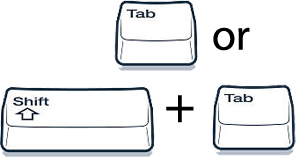
Tab or Shift + Tab Keys
Use to move from one object to the next.
Use to move from one object to the next.
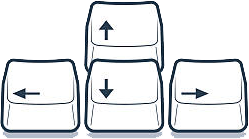
Arrow Keys
Use to scroll through text, interact with media and navigate between items in a lesson, block or question.
Use to scroll through text, interact with media and navigate between items in a lesson, block or question.
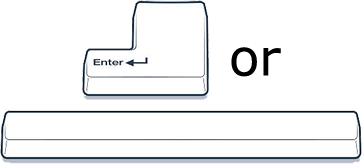
Enter or Spacebar
Use to activate the selected object (similar to a mouse click).
Use to activate the selected object (similar to a mouse click).

Escape Key
Use to close labeled graphic choices in matching questions and exit zoomed images and full screen videos.
Use to close labeled graphic choices in matching questions and exit zoomed images and full screen videos.
Source: UN DESA Digital (2025)